DESIGNTIA
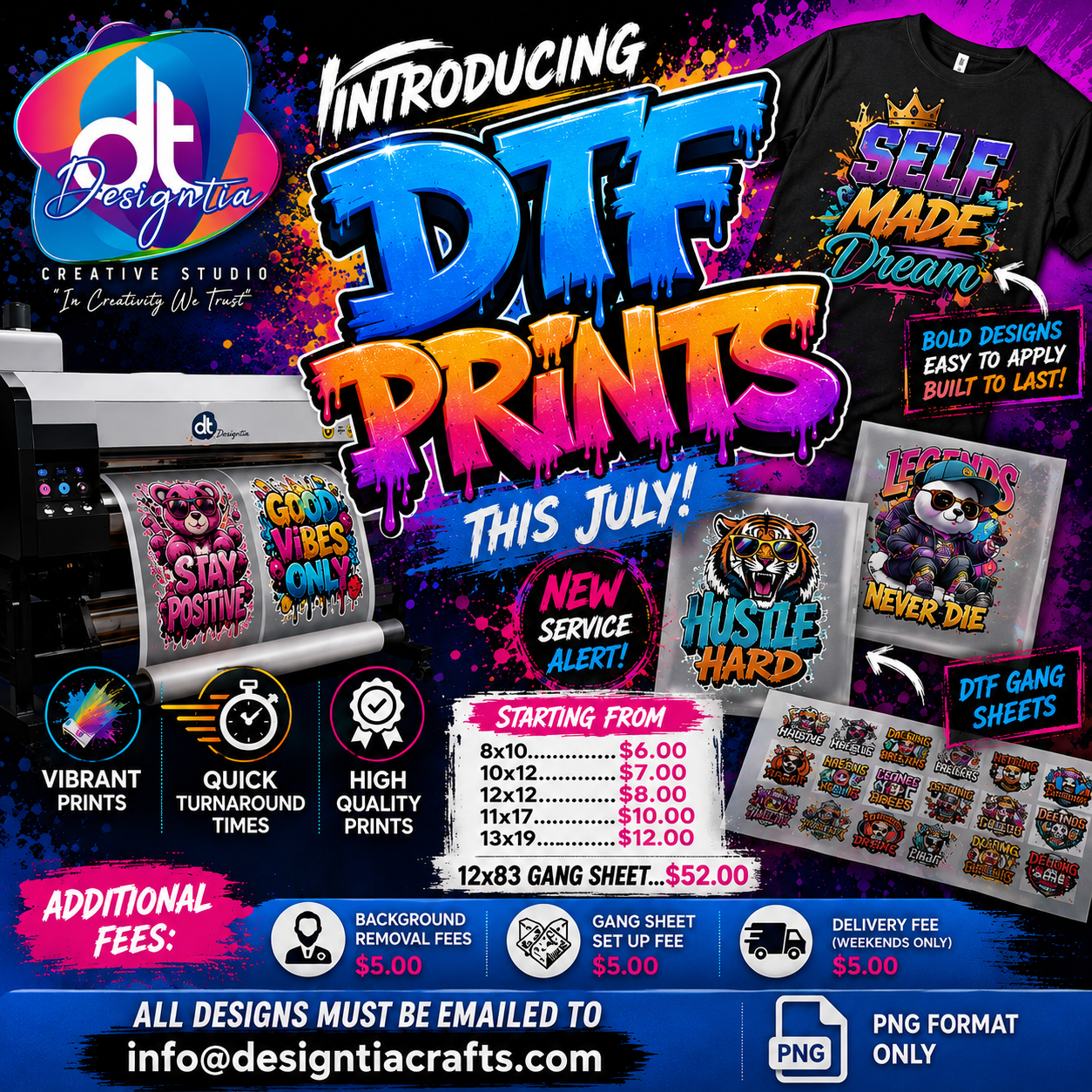
DTF PRINTS (AVAILABLE JULY 2026)
DTF PRINTS (AVAILABLE JULY 2026)
---- How To Order -----
1-) Choose your print size.
2-) Upload your image
3-) If the background of the image is not transparent, please add "Remove Background" to the cart and checkout together with the order!
4-) Please specify your instructions. 5-) Click "Proceed to check out".
Your artwork must be print ready, at the size you want it to be printed. Please ensure that your background is 100% transparent otherwise all artworks will be printed the way we receive them. Failure to supply a print-ready PNG file will result in your order being canceled and refunded!
IMAGES WE ACCEPT
- We recommend images be in PNG format. 300 DPI resolution is suggested for best results.
- Please remove the background before sending us the image. If you need us to remove the background please add background removal to the cart after adding your DTF Print purchase and note that in the personalization box.
INSTRUCTIONS FOR HEAT PRESS
1. Preheat the heat press to medium to the hottest setting. Temperate should be 350°F and pressure should be 70 psi and over.
2. Iron over the garment to remove any creases and heat the fabric.
3. Place the transfer face up in position on the garment and cover it with a greaseproof sheet. Never heat press directly on the Transfer.
4. Heat press for 15 Seconds.
5. Please let the transfer cool for 15 seconds before removing the tape.
6. After it gets cold, Peel the backing away from one corner to ensure the transfers have stuck, if so peel the remaining slowly.
Couldn't load pickup availability
Share